
A B2B prospect list is a set of named people at target companies, with verified contact details and enough context for relevant outreach. Lists that convert start from your ideal customer profile and work outward, checked before every send and refreshed often, because business contact data goes stale quickly. Bought lists usually fail for the opposite reasons: unknown sources, old data, weak fit, and no consent history.
Definition: A prospect list is a structured list of potential buyers, usually individual contacts at target accounts, with the role, company, and contact details a sales or marketing team needs to start relevant conversations.
Updated November 2026
Why Bought Lists Usually Fail
Bought lists look like a shortcut. However, in practice they tend to fail on four counts.
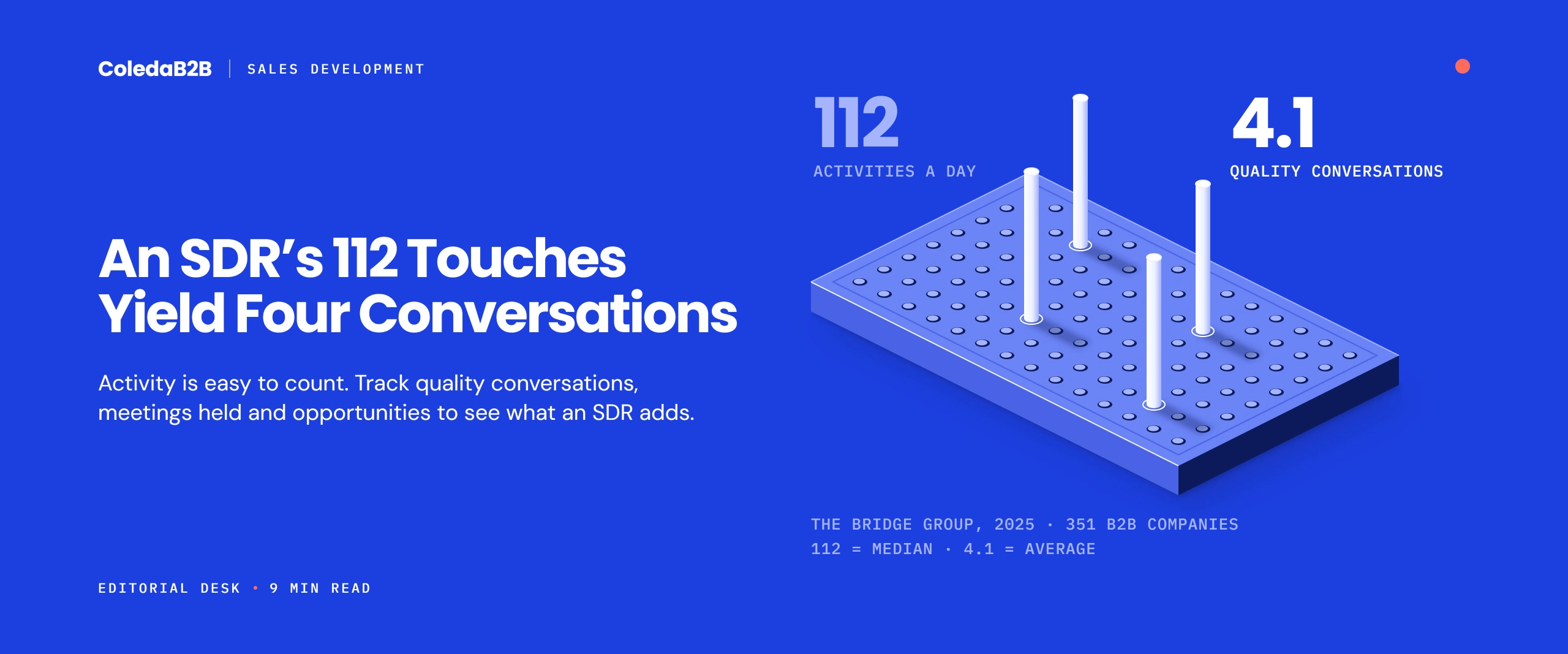
1. They decay. ZeroBounce’s 2025 list decay report, based on addresses it checked during 2024, found that at least 28% of email data goes bad each year. Also, the US Bureau of Labor Statistics, in its September 2026 release, put median job tenure at 4.1 years in January 2026 and only 3.0 years for workers aged 25 to 34. As a result, people move, and their old addresses stop working.
2. They fit loosely. For example, lists sold by broad category, such as “IT decision-makers,” include many people with no role in your kind of purchase.
3. They carry hidden legal risk. Many sellers cannot show where contacts came from or what they agreed to. In some countries, therefore, that makes email outreach unlawful.
4. They damage sender reputation. High bounce and complaint rates hurt delivery for every email your company sends, not just the outreach.
Even so, none of this means outside data is always bad. In fact, licensed data from established providers, with clear sources and consent records, can work well. In short, the problem is data with no history.
Build vs Buy: A Decision Table
| Factor | Build your own. | License from an established provider | Buy a one-off list. |
| Fit to your ICP | Highest, because you choose every contact | High, if filters are precise. | Often low |
| Accuracy at the start | High, if verified | Medium to high, depending on refresh cycles | Unknown |
| Consent and source records | Yours to document | Should be documented; ask to see them. | Often missing |
| Speed | Slowest | Fast | Fastest |
| Cost per usable contact | Mostly staff time | Subscription cost, usually predictable | Looks cheap; often high once bad records are removed |
| Ongoing refresh | Your process | Usually included | None |
| Best for | Named target accounts and high-value deals | Larger segments with clear filters | Rarely the right choice |
For most B2B teams, the strongest approach mixes the first two: licensed data to find candidates quickly, then human research and verification for the accounts that matter most.
How to Build a B2B Prospect List in Six Steps
Step 1: Start from segments and accounts. A prospect list sits inside a wider plan. So segment your market first, then build a target account list of the companies you most want to win.
Step 2: Map the buying group. Next, for each account, list the roles involved in your type of purchase: users, technical evaluators, budget holders, and leaders. In practice, aim for three to six contacts per account rather than one.
Step 3: Find the people. Use company websites, LinkedIn, licensed data, and event or webinar attendee lists. Also, record where each contact came from.
Step 4: Verify every contact. Check that the person still works there, the title is current, and the email address is valid. Then remove role inboxes such as info@ unless you have a reason to keep them.
Step 5: Add context. Note recent company news, technology used, or a relevant trigger, such as a new office, funding round, or regulation. After all, this is what makes outreach relevant. For automated support, see B2B data enrichment.
Step 6: Record consent and suppressions. Finally, note the lawful basis or consent status for each contact’s country, and remove existing customers, past opt-outs, and open opportunities.
The Fields Every Prospect List Needs
First, capture only the fields your team will actually use. After all, every extra field costs time to fill and keep current.
| Field | Required or optional | Why it matters |
| First and last name | Required | Personal outreach and deduplication |
| Job title and function | Required | Relevance and routing |
| Seniority | Required | Buying group mapping |
| Company name and domain | Required | Account matching in the CRM |
| Work email (verified) | Required | Outreach |
| Country | Required | Consent rules and time zones |
| Source and date found | Required | Compliance records and data age |
| Consent or lawful basis status | Required | Legal outreach by region |
| Direct phone | Optional | Calling programmes |
| LinkedIn profile URL | Optional | Research and social outreach |
| Industry and company size | Optional if held at account level | Segmentation and messaging |
| Trigger or research note | Optional but valuable | Relevance in the first message |
Who Should Own the Prospect List?
Lists fail quietly when nobody owns them. Sales assumes marketing keeps the data clean, while marketing assumes sales updates it after every call. As a result, records drift until a campaign bounces.
A simple split works for most teams:
- Marketing operations owns the rules: required fields, verification schedule, consent records, and suppression syncing.
- Sales development owns the research: buying group mapping, trigger notes, and title changes spotted during calls.
- One named person signs off each new list against the quality check below before it reaches any sequence.
Also, agree on what happens when a rep finds a wrong record. For example, a one-click “wrong person” or “left company” field in the CRM lets reps fix data in seconds instead of ignoring it.
Signs Your Prospect List Is Failing
You rarely need an audit to spot a weak list. Instead, watch these signals in your first two weeks of outreach:
- Bounce rates climb above your normal campaign level.
- Replies say “I no longer work here” or “wrong person.”
- Reps book meetings with people who cannot influence a purchase.
- Reps quietly stop using the list and build their own.
If two or more appear, pause the sequence. Then rerun verification and fit filters before sending again.
Check List Quality Before the First Send
Run this check on every new prospect list. Then run it again before major campaigns. Score each item as pass or fail.
- Fit: at least nine in ten contacts match your target industries, sizes, and roles.
- Verification: emails checked within the last 30 days, with invalid and risky addresses removed.
- Duplicates: no duplicate people, and no contacts already owned by a rep.
- Suppression: past opt-outs, bounces, customers, and open deals removed.
- Consent: status recorded for every contact, matched to their country’s rules.
- Source: every contact has a recorded source and date.
- Context: priority contacts have at least one research note.
So if more than one item fails, fix the list before sending. Moreover, a short, clean list protects your sender reputation and gets more replies than a long, messy one.
How Often to Refresh a Prospect List
Data ages at different speeds. Therefore, refresh fields on different schedules.
| What to refresh | How often | Why |
| Email validity | Before each campaign, and at least every 90 days | Addresses fail as people move jobs. |
| Job title and company | Every quarter for active prospects | Promotions and moves change the buying group. |
| Consent and suppression | Continuously, synced with your email and CRM tools | Opt-outs must be honored everywhere. |
| Account-level data | Every six to twelve months | Company size and structure change more slowly. |
| Research notes | Before each new sequence | Old triggers make outreach look careless. |
Targeted Email Lists: What to Check Before You Pay
If you license or buy targeted email lists, ask the provider:
1. Sources: where did each contact come from, and when was it last verified?
2. Consent: Which lawful basis covers each region in the list?
3. Filters: Can we filter by exact titles, company size, and technology?
4. Bounce guarantee: What bounce rate do you promise, and what refund applies above it?
5. Testing: Can we try a sample before buying the full list?
6. Permitted use: may we email these contacts, or only call or advertise to them?
In short, a provider who cannot answer these clearly is selling a risk, not a list.
Compliance by Region
Importantly, prospect lists must follow the rules of each contact’s country, not the sender’s.
| Region | Key point for prospect lists |
| United States | The FTC’s CAN-SPAM guide allows B2B email without prior consent, with accurate details and an opt-out honored within 10 business days. California contacts have CCPA rights. |
| United Kingdom | The ICO’s guidance on business-to-business marketing treats corporate addresses differently from sole traders, and UK GDPR still applies to named people. |
| European Union | Fieldfisher’s EU e-marketing tracker (January 2024) shows several countries, including Germany, require opt-in even for B2B email. |
| Everywhere | Keep source records, honor objections quickly, and remove contacts who ask. |
This is guidance, not legal advice, so check your approach with counsel in each market. For outreach once the list is ready, see how to generate leads with email.
Common Prospect List Mistakes
- Buying broad lists instead of building around named accounts
- One contact per account, which misses the rest of the buying group
- No source or date on each record
- Verifying once and never again
- Ignoring country rules for email
- Skipping research notes, so every message sounds the same
How ColedaB2B Builds Prospect Lists
As a partner offering B2B lead generation services, we build contact lists around your target accounts and roles from our database of 50M+ B2B contacts. Every record goes through a three-step check of automated validation and human review, and our programmes follow GDPR and CCPA and use opt-in data. Our team works fully in-house, with no subcontracting.
Want to see how accurate a list built for you would be? Share your target accounts and roles, and we will send a sample with the source and verification date for each contact.
FAQs:
Start from your target segments and accounts, map the buying group for each account and find three to six contacts per company. Verify every contact, add a research note for priority prospects, record consent status and remove customers, opt-outs and open deals before the first send.
Usually not one-off lists with no source history, because they decay fast, fit loosely and may break consent rules. Licensed data from established providers can work if they show sources, consent records and refresh cycles. Either way, test a sample first and verify before sending.
Check email validity before each campaign and at least every 90 days. Update titles and companies every quarter for active prospects, and keep consent and suppression lists in sync continuously. Meanwhile, account-level data only needs a refresh every six to twelve months.
At minimum: name, job title and function, seniority, company and domain, a verified work email, country, source and date, and consent status. Useful extras include direct phone, LinkedIn profile, industry, company size and a research note for relevant outreach. Skip any field your team will not keep current.
It depends on where the contacts are. In the US, B2B email to bought contacts can be lawful under CAN-SPAM. However, in the UK and much of the EU, rules on consent and named individuals are stricter, and several EU countries require opt-in. Check with counsel before emailing a bought list.